Instructions for running the 2024-mmWaveRadarSensors project
This page contains the guide for running the human pose recognition model on TI IWRL6432.
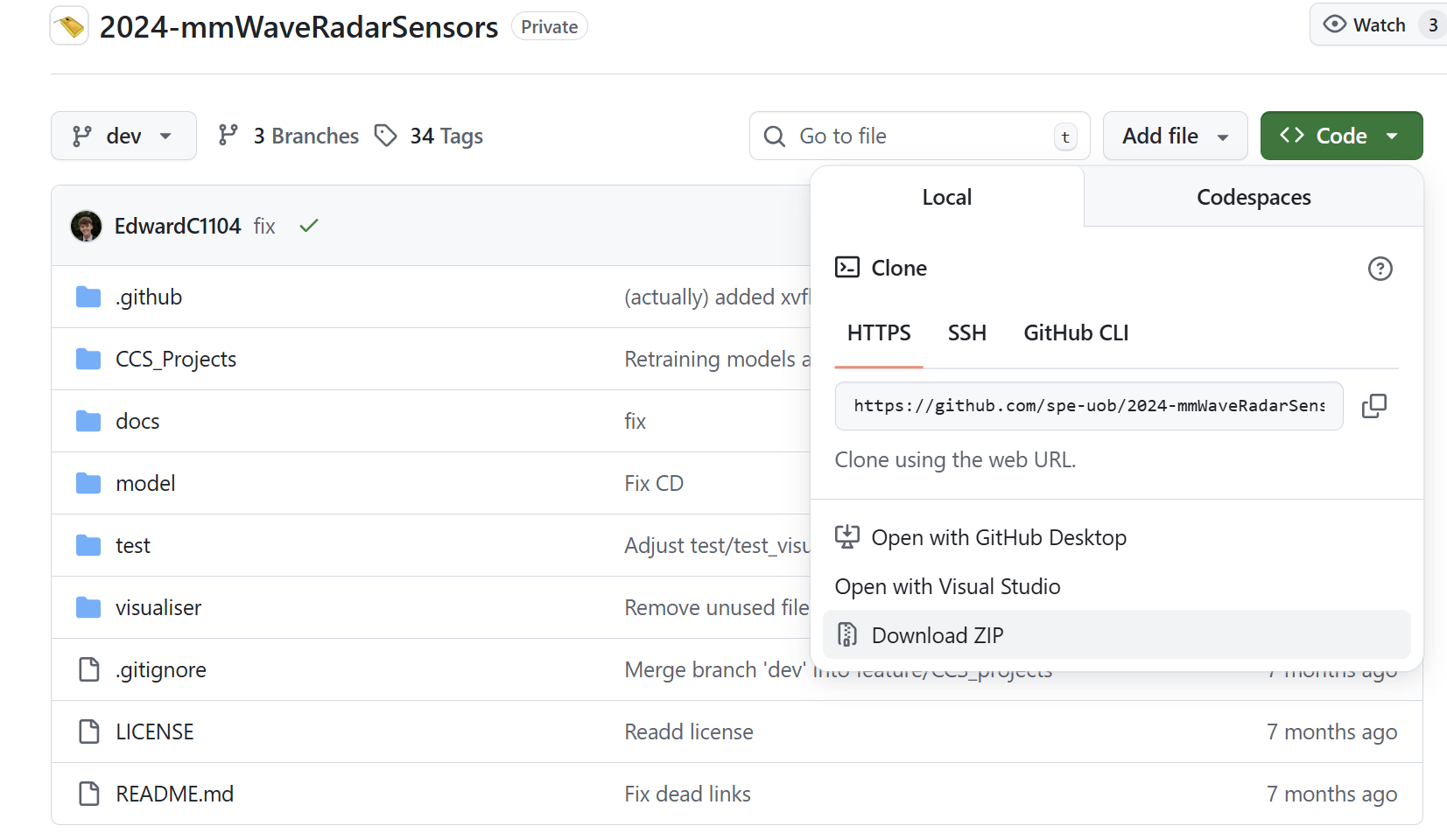
Download the zip file for the 2024-mmWaveRadarSensors project
Install MMWAVE-L-SDK 05.04
important
MMWAVE-L-SDK 05.04 is not the latest version, it is an old version released in 2024. Please install this along with the latest version. You wouldn't be able to build last year's project with the new SDK.
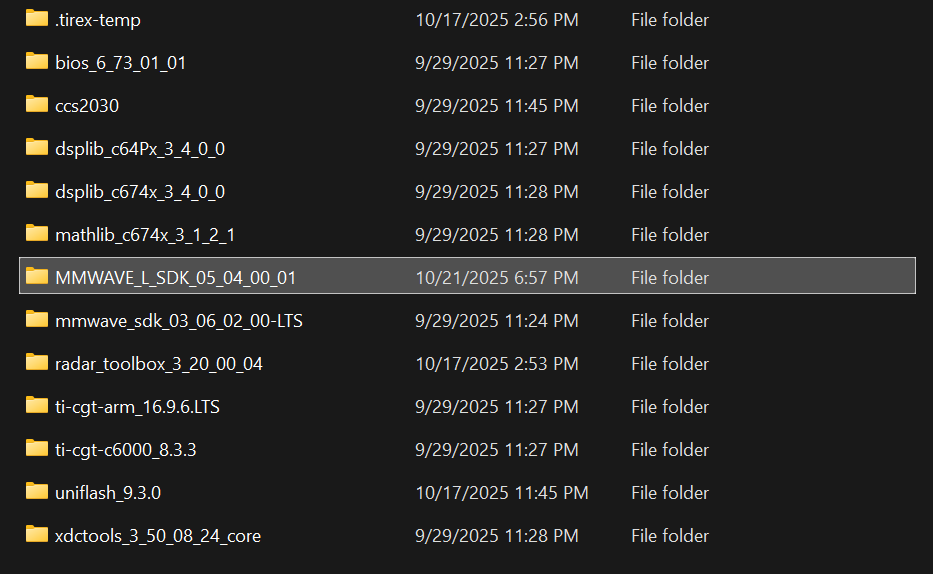
Make sure the MMWAVE-L-SDK 05.04 is present in the C:\ti folder
Update CCS Settings
- Navigate to
File -> Preferences -> Code Composer Studio Settings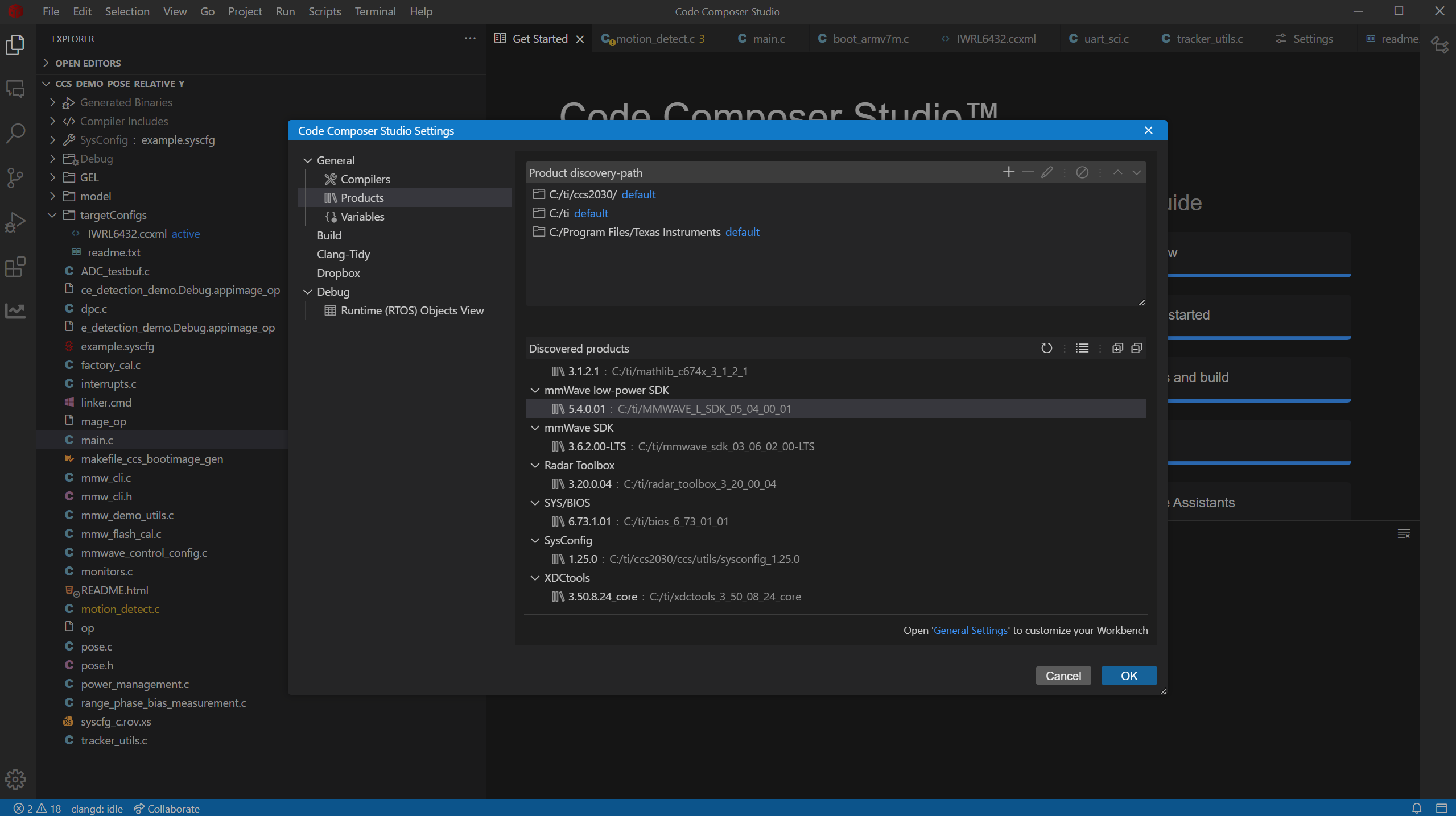
- Refresh the Discovered Products

- Make sure the MMWAVE-L-SDK 05.04 is the only entry showing up for mmWave low-power SDK

tip
Move the newer version of the MMWAVE-L-SDK out of the C:\ti directory temporarily if multiple versions are detected to ensure the project is compiled with version 05.04.
Build the project
- Open the
ccs_demo_POSE_RELATIVE_Yfolder in CCS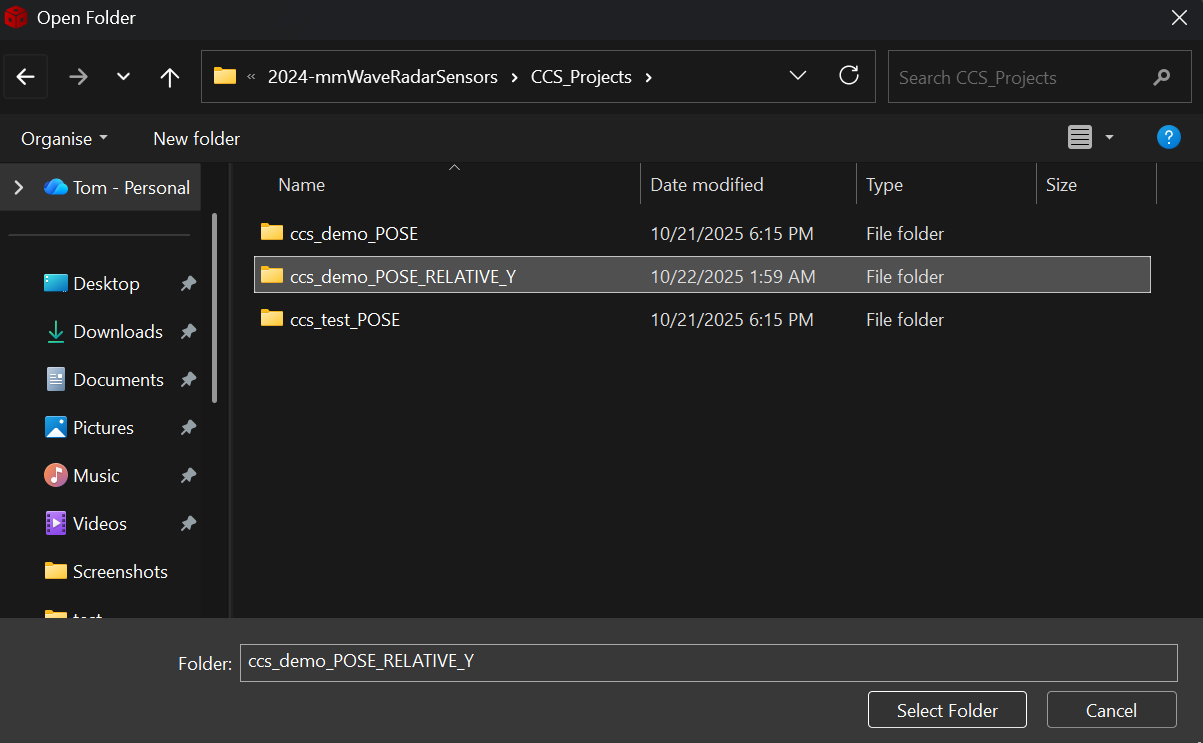
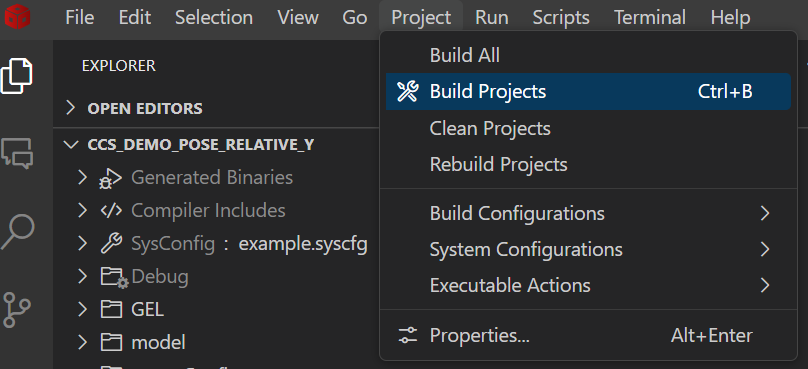
- Press Clean projects then Build projects
Run the build
tip
Make sure you have plugged in the board on your laptop and test the connection
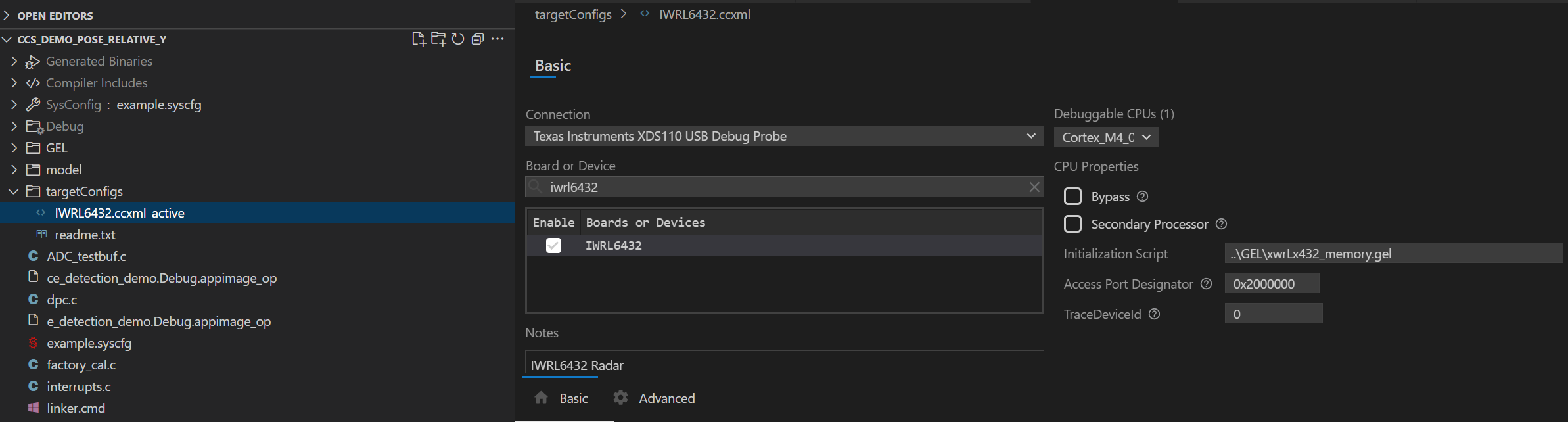
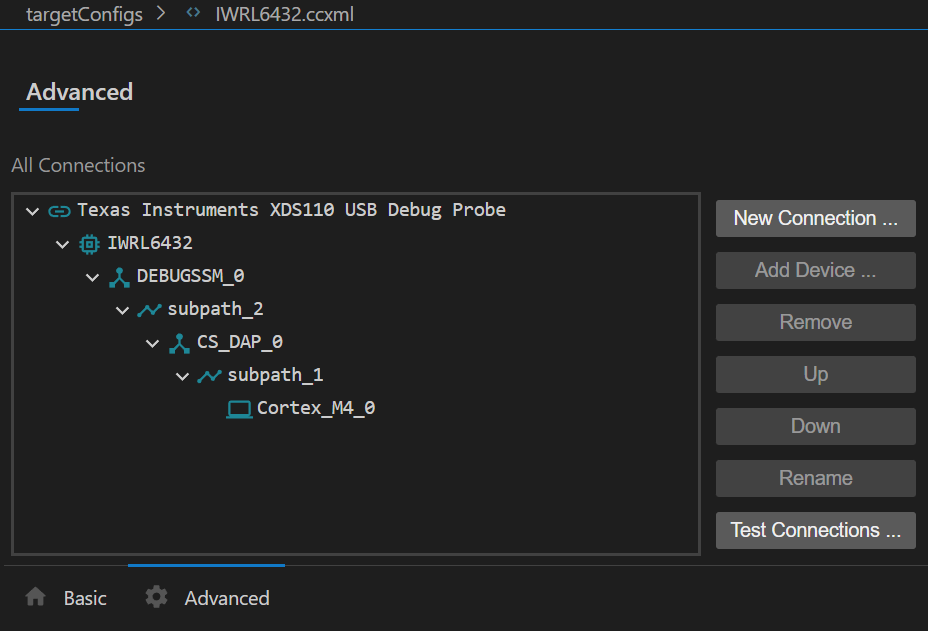
- Press
Start Debugging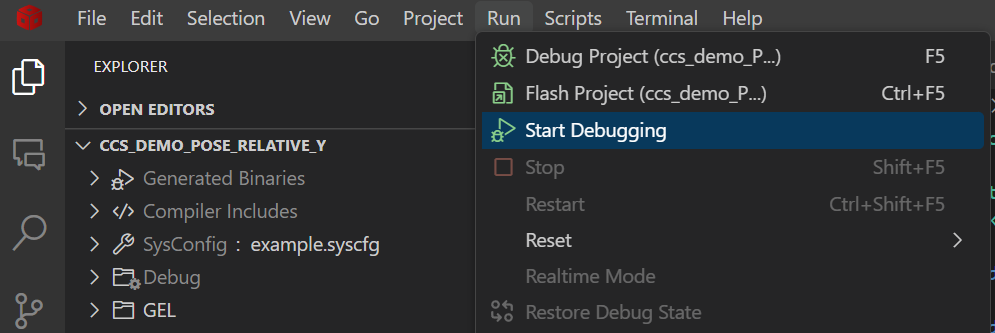
- Navigate to the Debug tab on the left sidebar and press
Continue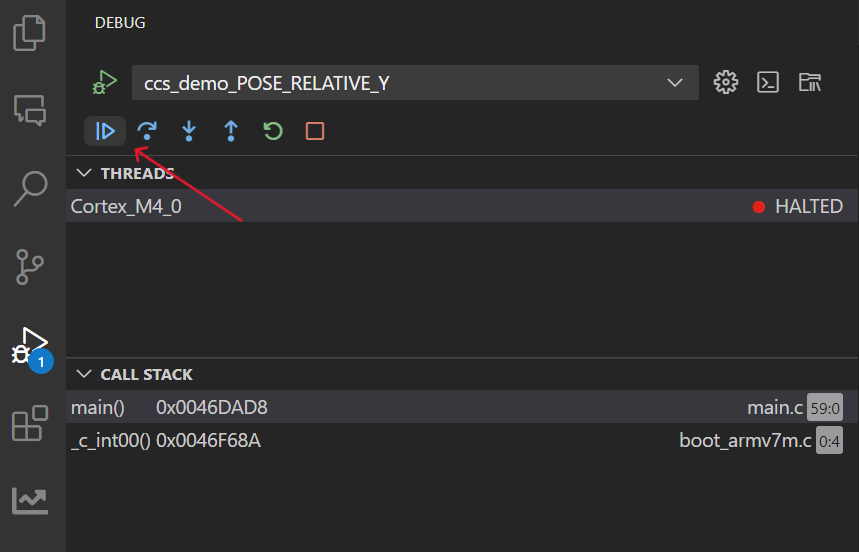
- Observe the terminal output, the program should be running properly when you see the following CIO output
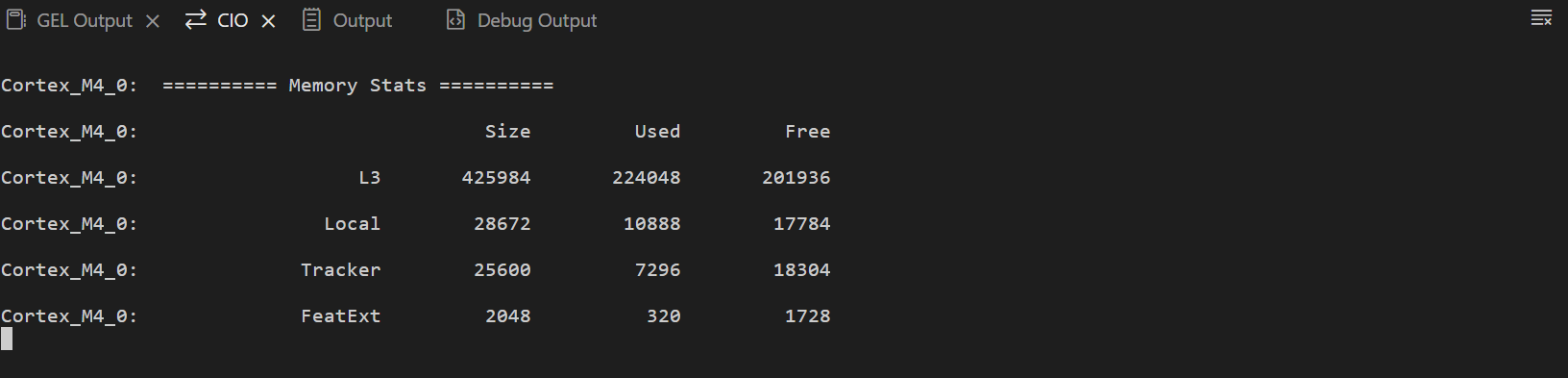
If it does not work, press the small button on the board to reset and try again
Launch the visualizer
- Navigate to
/path/to/2024-mmWaveRadarSensors/visualiser(replace /path/to/... with the link of the visualizer folder) - Run the following command in the terminal
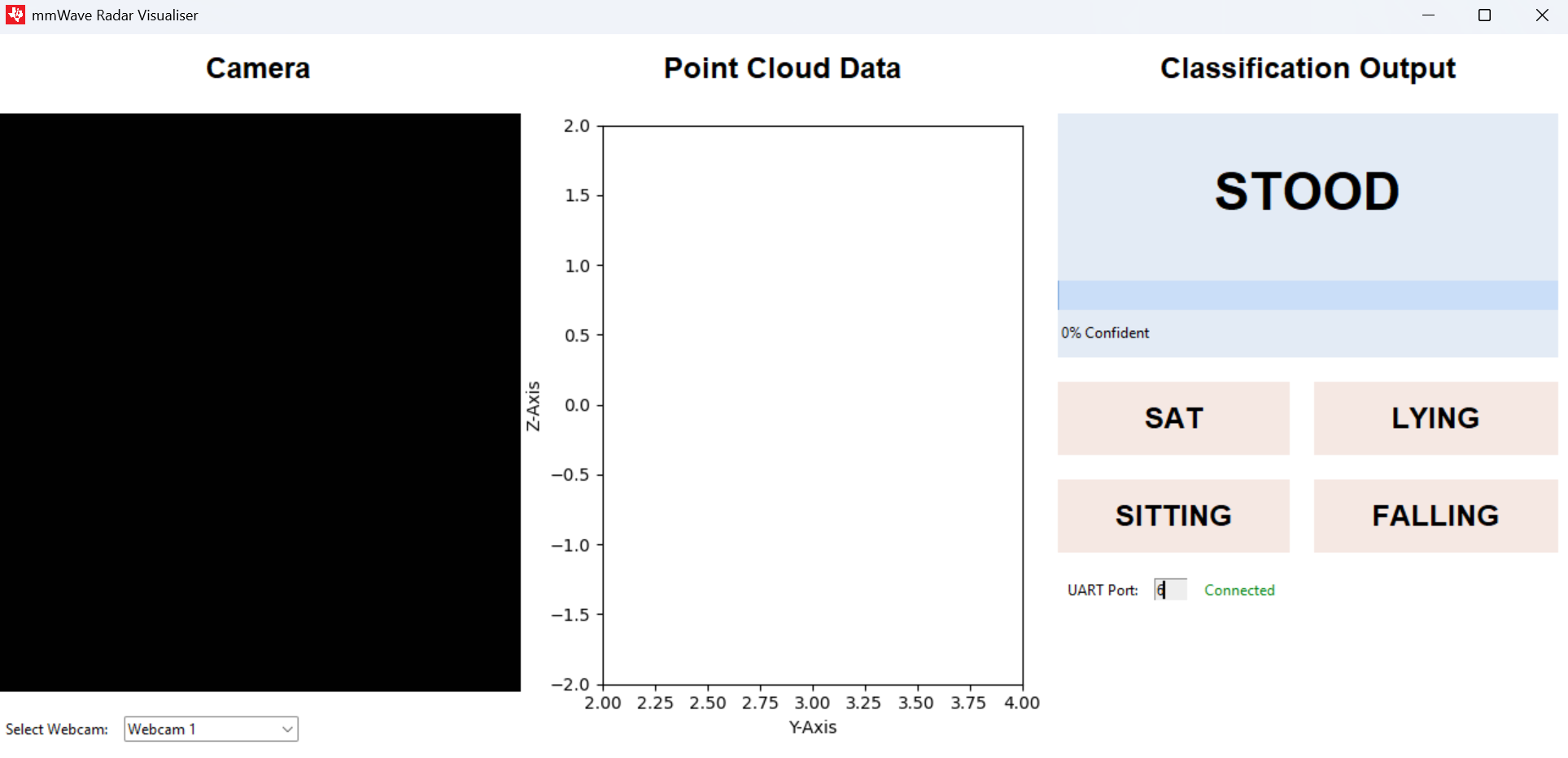
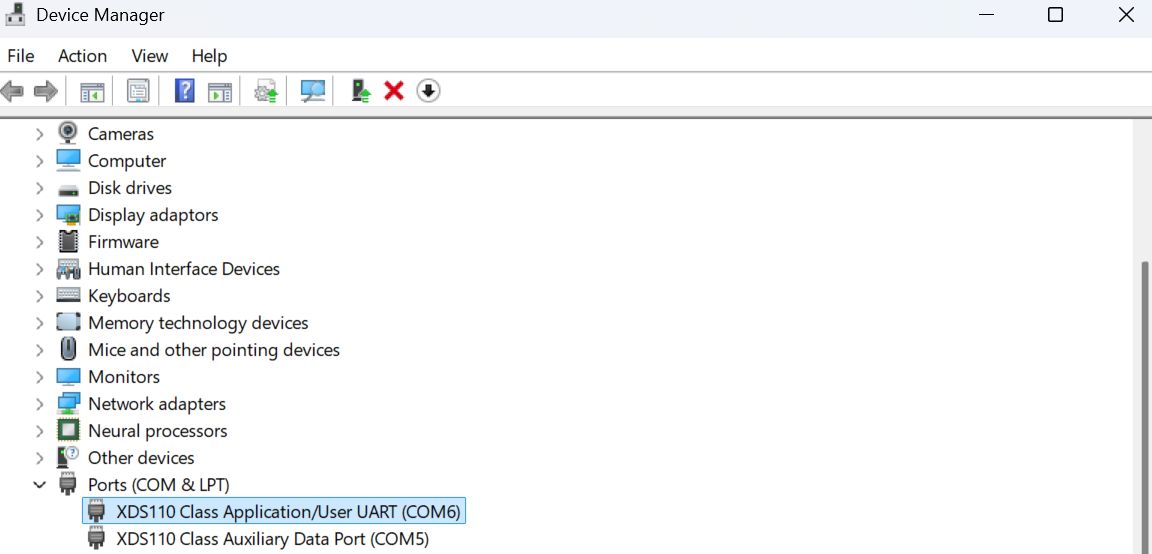
python main.py - Select the correct UART port, you can find it from device manager (in this example my webcam is blocked but it shouldn't affect the result anyways)